You'll need
- A GoPro, DJI drone, IP camera, or OBS
- The game in BreakAway
1.Get your stream details
Web or phone
- Web: Open the game and choose External camera.
- Phone: Tap Stream, then Connect External Camera.
Checklist0 of 2
SoCal Fire EliteCCCardiff Condors00StreamRecapStatsVideoPlays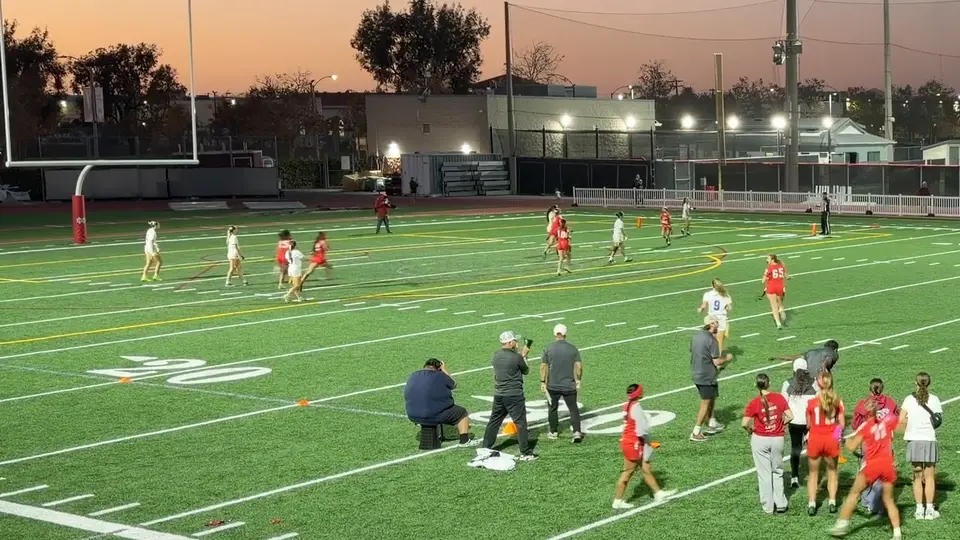 1 watchingLIVE1 watchingSF0-0CC1stStream the GameChoose your streaming optionBreakAway VisionOur stat and AI-powered streaming solutionHandheldSimply hold and streamConnect External CameraVeo, Pixellot, GoPro, XbotGo (any RTMP video)External cameraEnter these on your camera to stream on BreakAway.Serverrtmps://f3a9c1e07b52.global-contribute.live-video.net:443/app/Copy server URLStream keysk_us-west-2_••••••••••••Copy stream keyBack
2.Copy the server and key
Web or phone
Copy the Server / URL and the Stream Key.
Tip: Only the person who started the broadcast can see the stream key.
Checklist0 of 2
SoCal Fire EliteCCCardiff Condors00StreamRecapStatsVideoPlays1 watchingLIVE1 watchingSF0-0CC1stExternal cameraEnter these on your camera to stream on BreakAway.Serverrtmps://f3a9c1e07b52.global-contribute.live-video.net:443/app/Copy server URLStream keysk_us-west-2_••••••••••••CopiedBack3.Paste them into your camera
- OBS: Settings, Stream, Service "Custom". Paste both, then Start Streaming.
- GoPro or DJI drone: Set the live destination to "RTMP" and paste both.
Checklist0 of 1
4.Go live
Start streaming from the camera. The game goes live in BreakAway by itself.
Checklist0 of 1
5.End the stream
Web app
Choose End stream when the game is over.
Tip: On your phone? End it from the web app. Stopping the camera only pauses the stream.
Checklist0 of 1